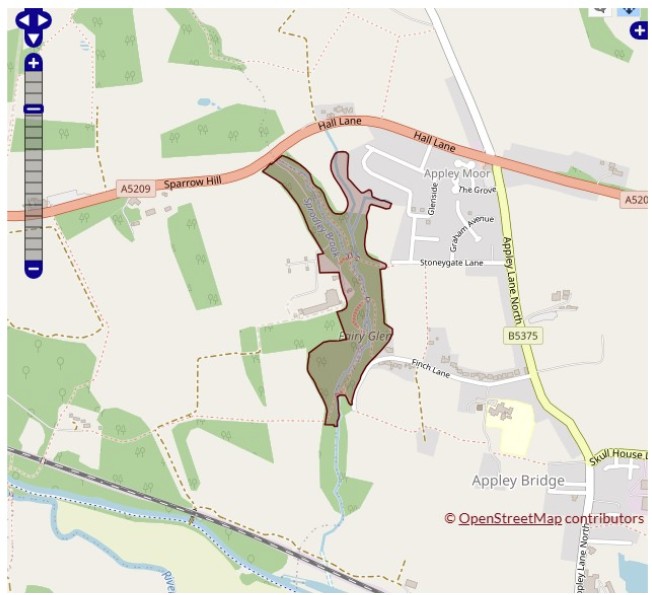
Displaying location information with an iform is relatively straight forward so long as the location already exists on the Warehouse.
A prebuilt form can be used to generate the script necessary to query the warehouse entries. Specifically, the iform category is under Utilities and type “View details of a location“. Once selected you can set fields and options as normal through to the User Interface (UI).
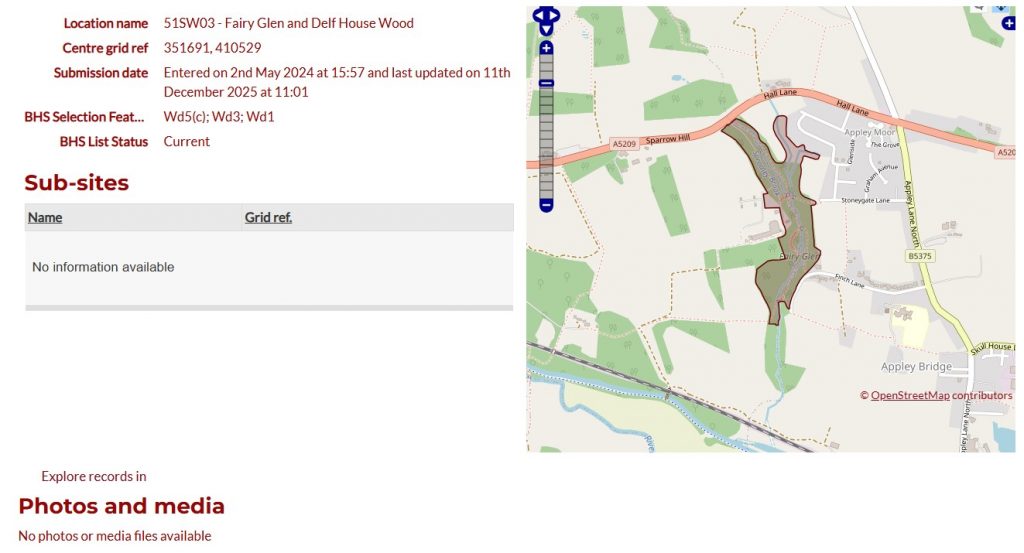
Within the UI section the basic structure is again fairly self explanatory. I used the following for my basic information display page;
=Location Details and Comments=

[locationdetails]

[subsites]

|

[map]

=Photos=

[buttons]
@buttons=["explore"]

[photos]
These components pull out the necessary detail i want for my page. Note that location details component will automatically return custom attributes. There is no need to define them as you might with the record explore page. The mid-section pipe | means the page will display as two columns.
This page type also requires an input form (although this is not used) and, more useful also options to pass the location_id to another page. For example if you would like to view species observations associated with this location.
In the Path configuration section you can add the base url of an iform page where you can explore species observations. For me this is at https://lancsbhs.org.uk/explorerecords then in the Explore Parameter Name, provide the location id as a filter e.g. filter-location_id


 using WordPress and
Comments are closed